
Posted: 01 august 2020, 8:15
Здравствуйте! Прошу простить за возможно нарушенные правила и простыню текста, почему-то не удалось убрать под спойлер. За последние пару дней встретил две ошибки, ошибку 21, а перед ней незадокументированную здесь ошибку с 17 короткими миганиями подряд и выключением, которая была у @Bazya87 и @IMAXXX.
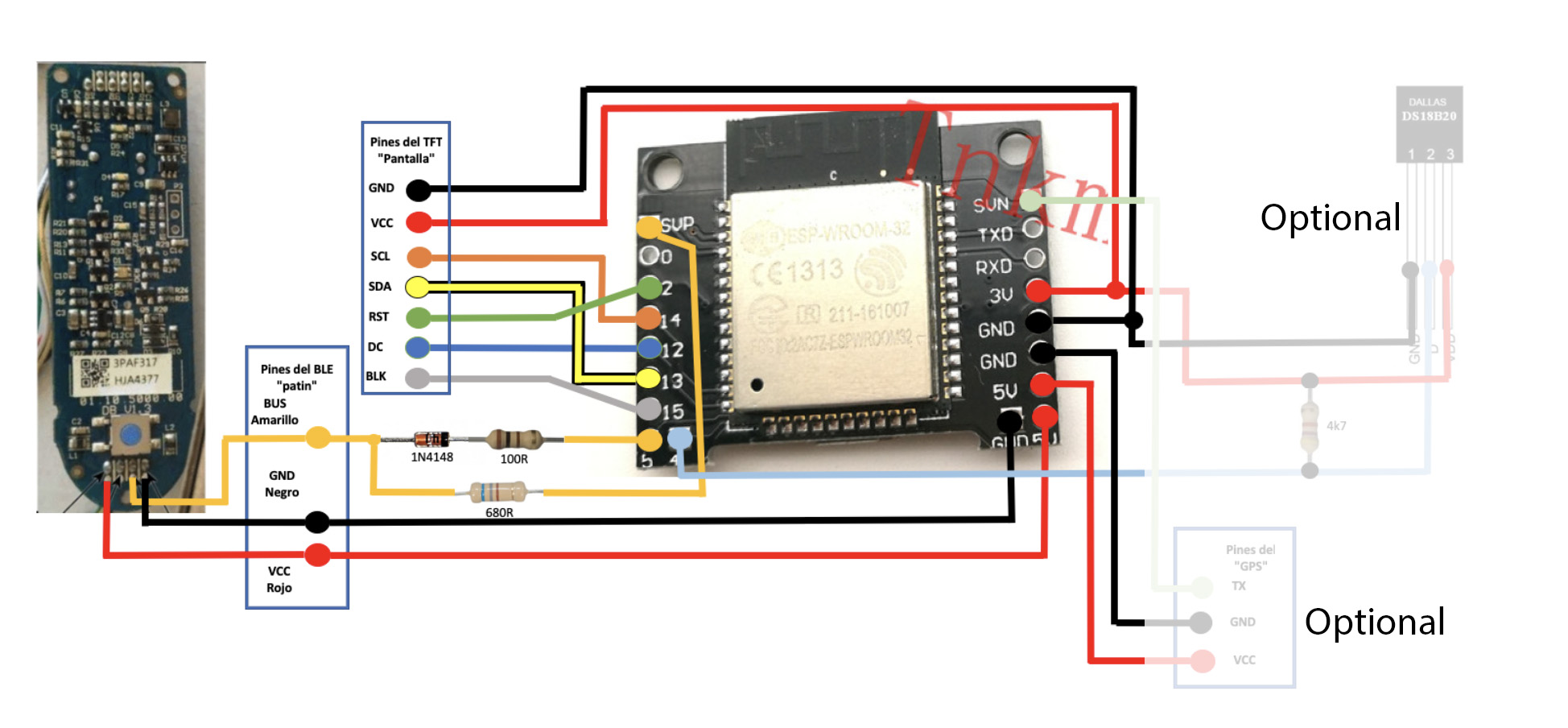
По 17 миганиям, как я смог выяснить, это ошибка сообщения с головной платой. В моём случае головная плата была сожжена, при замене на новую ошибка пропала, но появилась ошибка 21.
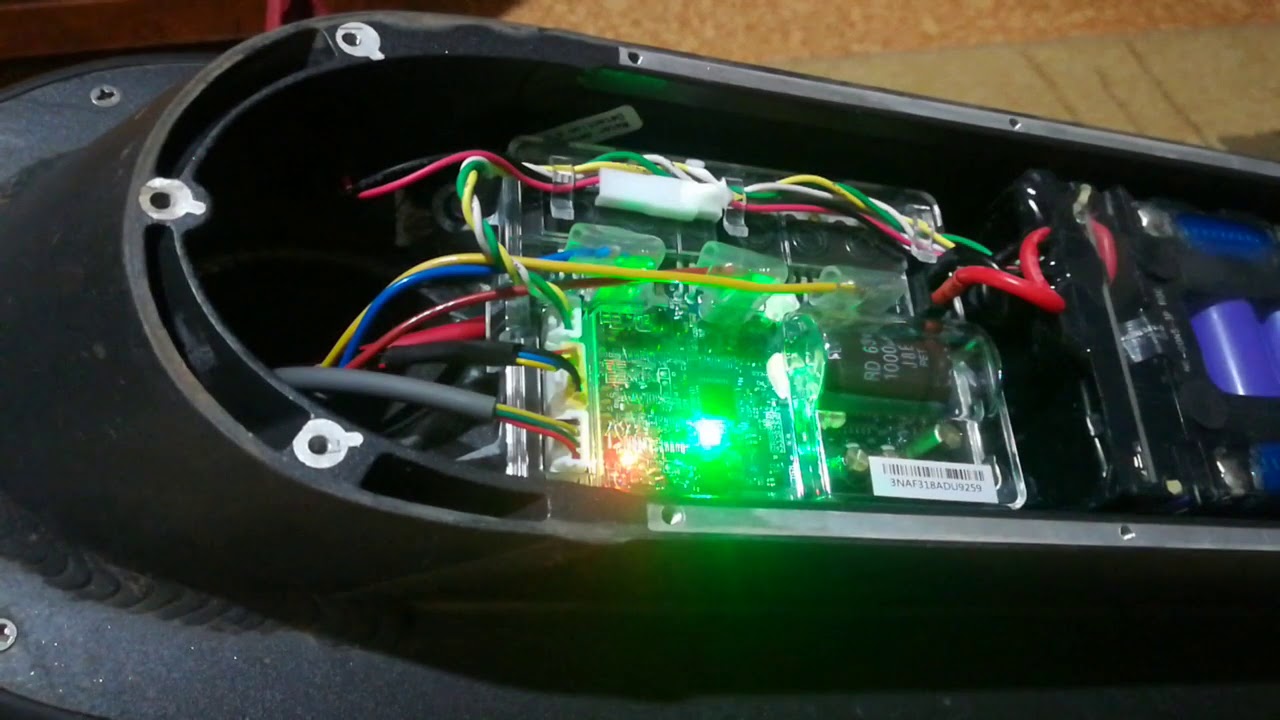
Ошибка 21 же «решилась» отключением заднего фонаря от самоката и от платы контроллера (зелёный провод в коннекторе BMS), он (фонарь) тоже был сожжен (светодиод в кз), как и ключ в BMS, включающий его. Видимо, пробитый ключ сливал в землю 3.3в логической части BMS, и она переставала нормально сообщаться с контроллером. Отключать от контроллера надо потому, что даже при отключённом фонаре, при нажатии ручки тормоза контроллер пытался зажёчь задний фонарь и BMS отключалась, приводя к ошибке 21 (ошибка пропадала сразу, как контроллер переставал зажигать фонарь). К сожалению, до ремонта BMS пока руки не дошли, так что точнее не знаю.
Далее оффтоп
Причины. Может, пригодится кому-то, кто делал все те же глупости, что и я )
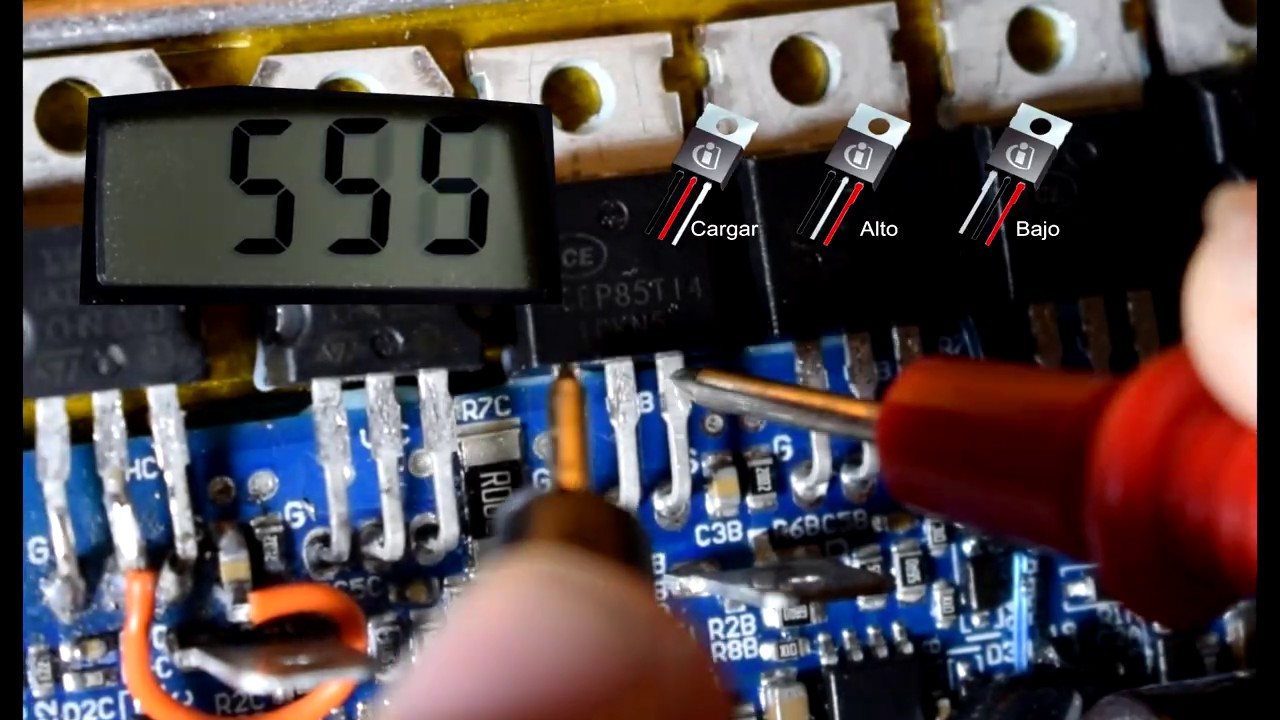
После установки внешнего аккумулятора я из любопытства отключил родной и попробовал покрутить колесо только от внешнего. Который был полностью заряжен. Как вы догадались, за этим последовала рекуперация и смерть контроллера ) BMS внешнего аккумулятора закрылась, т.к. он был уже заряжен, а энергия рекуперации пошла в цепи питания контроллера самоката. tps54160 взорвался и ушёл в обрыв, но так же успел пробиться и следующий за ним преобразователь на 5в. Не зная об этом, я заменил tps (кстати, если кто в Москве, как и я, не может найти его в рознице, можно заказать в Электронщике (от 2 шт), мне привезли за 2 дня. Но к тому времени я уже купил tps54260 в чипидипе )), подключил родную батарею, и был фейерверк. Итог: сожженный проц контроллера, пробитые драйверы мосфетов, сожжённая головная плата, и оба фонаря.
Ошибки можно считать в трех местах
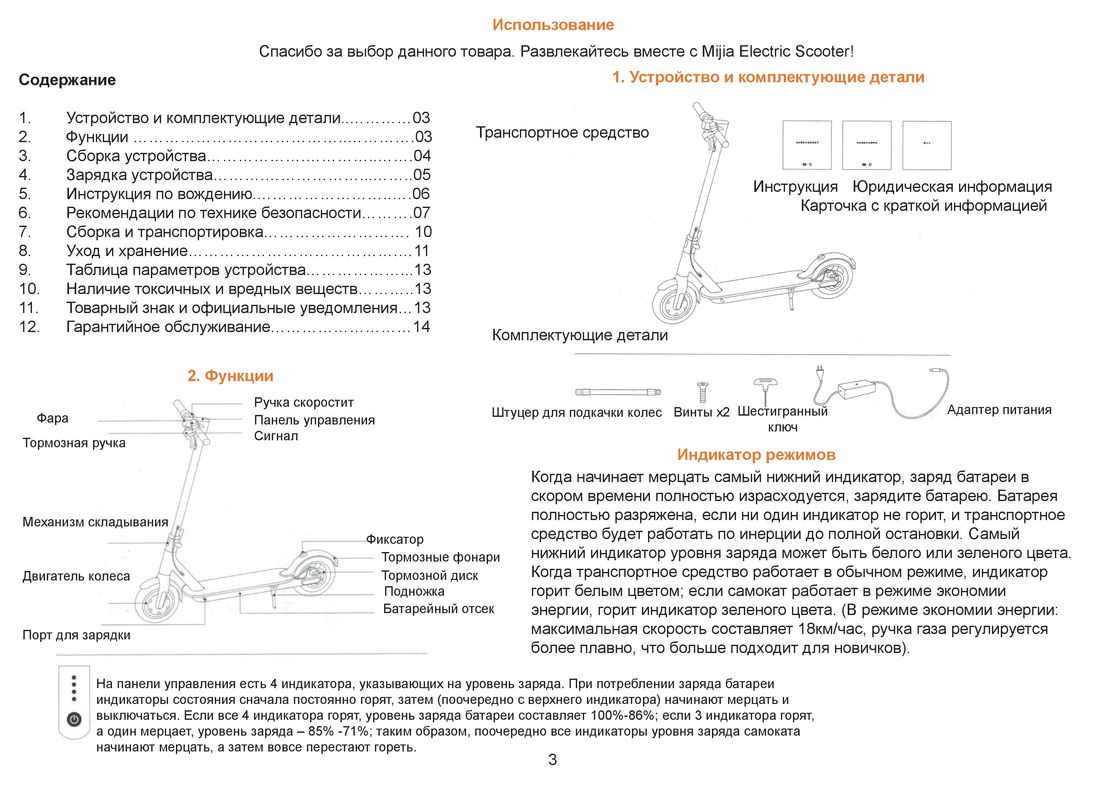
1) Приложение, если удается подключиться к BLE модулю, что чаще всего не возможно, там же изредка бывает и расшифровка ошибки
2) Писк в виде длинных и коротких сигналов
3) Зеленый светодиод на основном контроллере самоката
все ошибки двузначные, длинные сигналы – первая цифра, короткие – вторая цифра, по количеству.
Большая часть кодов получена из анализа кода прошивки и экспериментальным путем, возможны неточности. Коды приведены для прошивки v1.3.0, в других версиях возможны изменения.
10 – Ошибка коммуникации с головным модулем
11, 12, 13, 28, 29 – Ошибки калибровки датчиков тока или проблемы с силовыми ключами.
14, 15 – Ошибки ручки акселератора и ручки тормоза
18 – Ошибка датчиков Холла
21 – Ошибка обмена данными с BMS
22, 23 – Ошибкисерийного номера BMS
24 – Не верное питающее напряжение
27 – Не верный серийный номер. На практике означает, что контроллер не был активирован и требуется сервисная процедура, доступная на фабрике, в сервис-центрах и некоторым дилерам.
39 – Аналогично предыдущему, но в случае если контроллер активировали не правильно
35
36 – Ошибка датчика температуры батери или перегрев
40 – Ошибка датчика температуры контроллера или перегрев
Других кодов при анализе прошивки найдено не было, значения уточняются, страница будет обновляться.
In our latest blog we are taking a brief look at the error codes you can encounter when you own a Xiaomi M365 Standard Electric Scooter or the larger more powerful M365 Pro version.
It’s safe to say that if you are used to owning or using technologically based items then getting the odd error is almost inevitable. Technology can be fragile, and with so many components being used in conjunction with one another, it is possible for one or more of those components to fail. This can leave you with a confusing situation not knowing which bit failed, or which bit needs to be replaced.
Thankfully the wizards at Xiaomi built a feedback system into the electric scooters we sell here at Electra-Zoom.
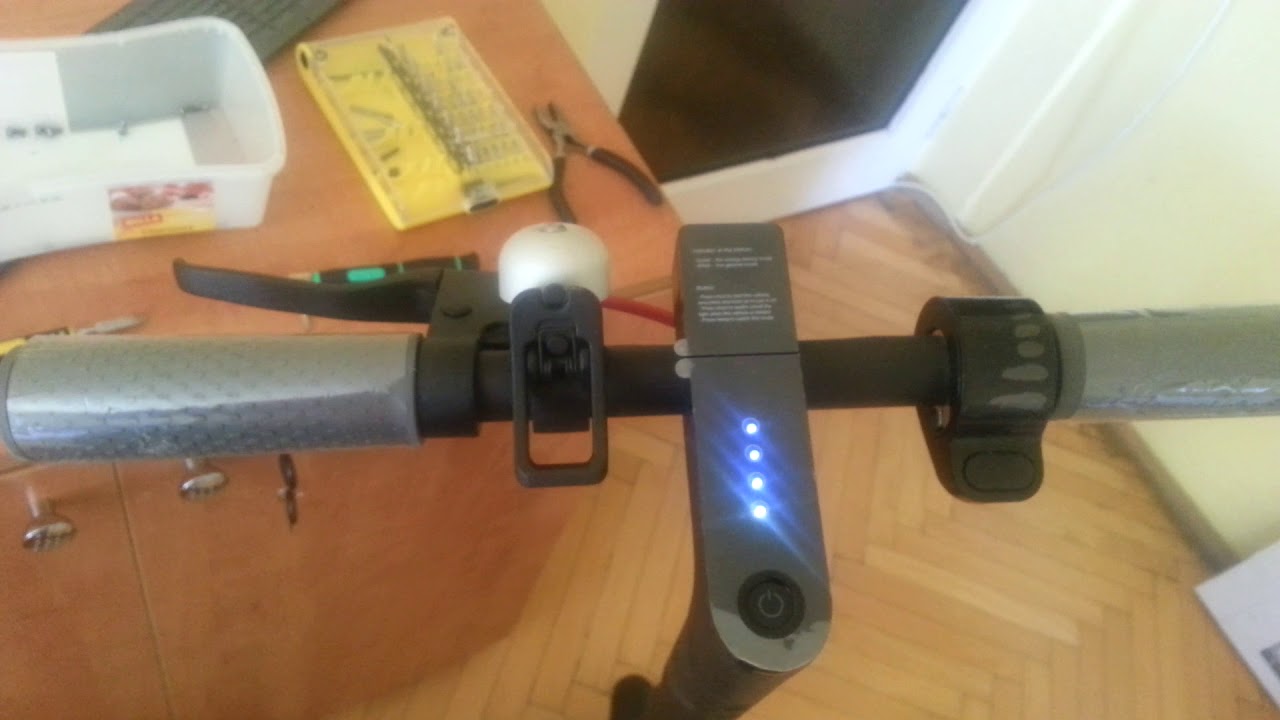
It is clear when an error happens because your electric scooter simply won’t work properly, it will beep repeatedly in a sequence or the 4th LED will flash green in a sequence.
So how do you know which error has happened with your Xiaomi M365?
The beeping and flashing is actually the scooter indicating which error has happened. With both the beeping and flashing, the long beep or flash indicates the first number of the error code, and the short beep or flash indicates the second number of the error code in question.
Example: If your electric scooter does two long beeps and six short beeps then it is error code 26. It is the same with the green flashing LED. If the light flashes one long flash, then one short flash, you have an error code 11.
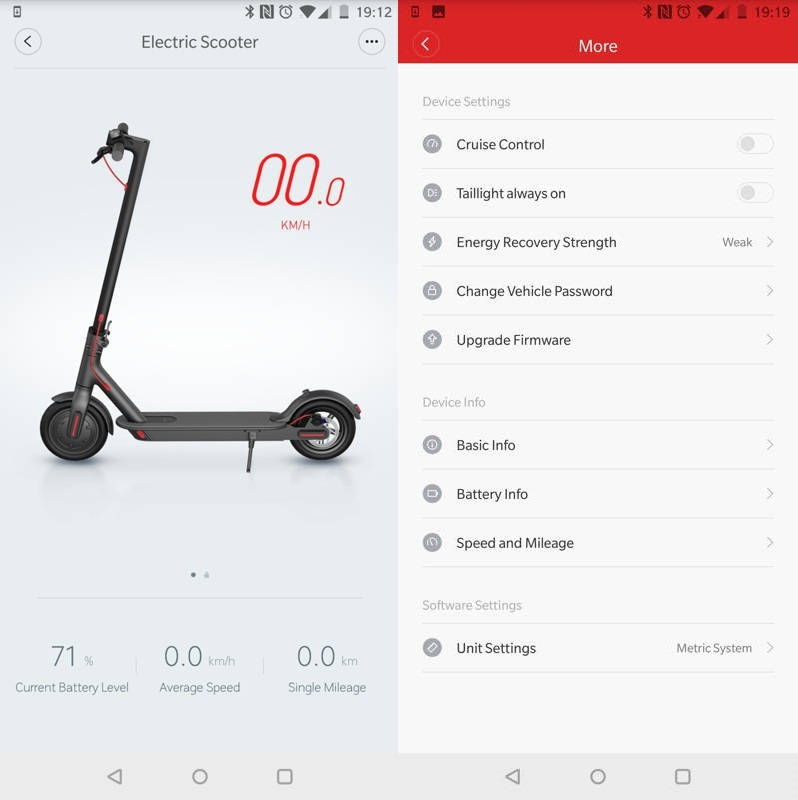
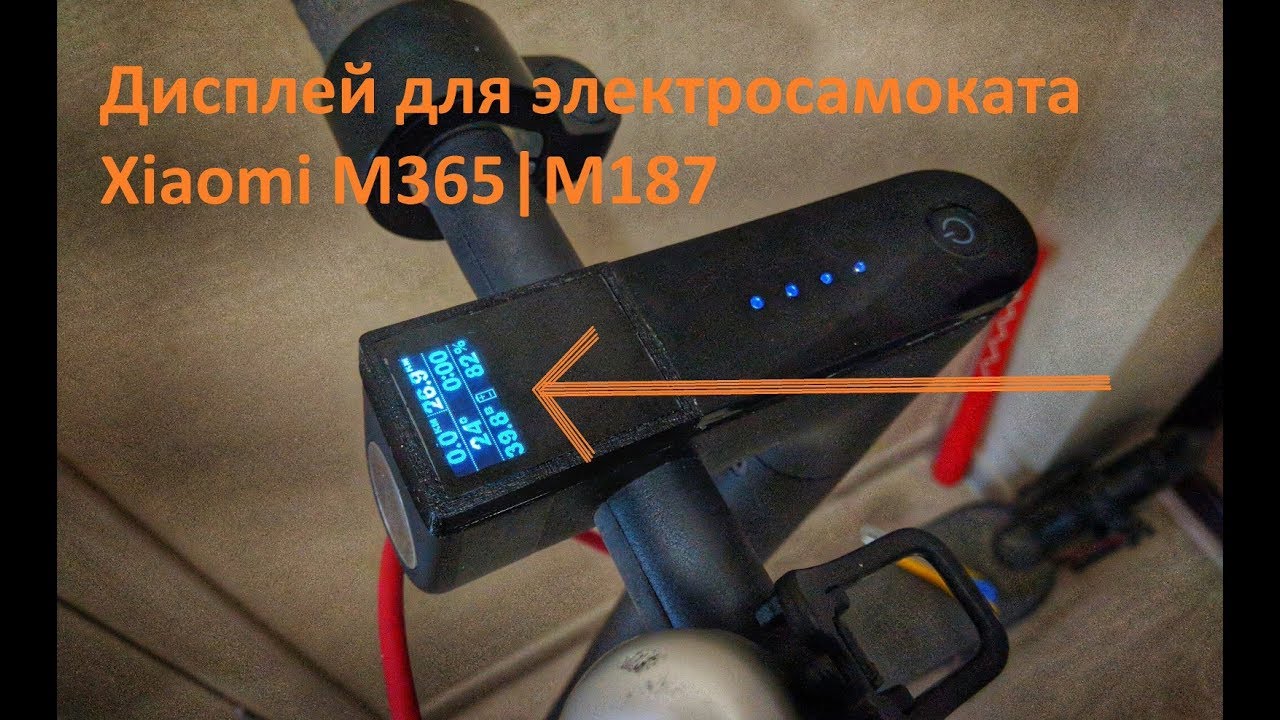
In the case of the Xiaomi M365 Pro Electric Scooter it will have the error code shown on the display and with the M365 standard, if you are connected using the Mi Home app, it will tell you there which error code it is.
So what does each M365 error code mean?
We have listed the main ones you will encounter below:
10 – Bluetooth (BLE) module communication error (Bluetooth module)
11 – Current sensors calibration errors or Power MOSFET error
12 – Current sensors calibration error
13 – Current sensors calibration errors or Power MOSFET error
14 – Throttle and brake errors
15 – Throttle and brake errors
18 – Motor Hall sensors error
21 – BMS communication error
22 – Bad BMS serial number/password
23 – Bad BMS serial number/abnormal error
24 – Wrong supply voltage
26 – Check the controller (Save operation in the Flash memory maybe wrong)
27 – Bad controller password
28 – MOSFET error
29 – ESC has wrong serial number in memory or “not activated”
28 – MOSFET error
29 – MOSFET is abnormal
31 – Program error
35 – Serial number of the scooter is wrong
36 – Battery temperature sensor error or device is overheating
39 – Scooter temperature is abnormal
40 – Main controller temperature sensor error or overheating
You’ll be glad to hear that these issues rarely happen because Xiaomi have amazingly high standards of manufacturing.
You can read the m365 errors in three different places
1) Mobile application, if the BLE connecion avaliable.
2) Long and short beeps
3) Long and short flashes of the green led on the ESC (Main controller)
All errors has two digits. The count of long signals is first digit and the count of short signals is the second one. Codes discription is based on firmware analisis and experiments. V1.3.0 firmware was used.
M365 Error code 10 – BLE module communicaion error (not confirmed)
M365 Error code 11, 12, 13, 28, 29 – Current sensors calibration errors or Power MosFET error
M365 Error code 14, 15 – throttle and brake errors
M365 Error code 18 – Hall sensors error
M365 Error code 21 – Battery communication error
M365 Error code 22, 23 – Bad BMS serial number
M365 Error code 24 – Wrong supply voltage
M365 Error code 27, 39 – ESC has wrong serial number in memory or “not activated”
M365 Error code 35
M365 Error code 36 – Battery temperature sensor error or overheating
M365 Error code 40 – Main controller temperature sensor error or overheating
No more codes was found. Codes descriptions will be updated.
Well, bro, do you use Xiaomi M365? And how do you like it? I think this model is pretty good and it’s not for nothing that this electric scooter is very popular. But, of course, if you use a thing every day, then problems can sometimes arise. Therefore, errors code 14 and 15 are what users of these scooters face quite often.
And I will show you how to fix Xiaomi M365 Pro Error Code 14 and 15.
Error codes table for Xiaomi M365
First, you need to understand what error code occurs on your scooter. It is not difficult to find out, because your scooter emits short and long beeps, so this signals what error has occurred on your device. Pay attention: the number of long beeps is the first digit in the error code, and the number of short beeps is the second. So we get a two-digit number of the error code on Xiaomi m365 scooter.
Error code 14 and 15 means that your scooter has broblems with throttle and brake. Next, I will show possible ways to fix this problem. And now some more important information: error codes table for Xiaomi M365 Pro.
| Error Code | Cause of the error |
| Error code 10 | BLE module communicaion error |
| Error code 11, 12, 13, 28, 29 | Current sensors calibration errors or Power MosFET error |
| Error code 14 | Throttle stick error |
| Error code 15 | Brake error |
| Error code 18 | Hall sensors error |
| Error code 21 | Battery communication error |
| Error code 22, 23 | BMS serial number errors |
| Error code 24 | Incorrect supply voltage |
| Error code 27, 39 | Controller has wrong serial number in memory or “not activated” |
| Error code 36 | Battery temperature sensor error or overheating |
| Error code 40 | Controller temperature sensor error or overheating |
Xiaomi M365 Error Code 15 – fixed
So, if your scooter has error code 15, then it will not move because the brake module is blocked by the system. To fix this error just follow a few easy steps:
- The error may be related to the fall of the scooter. A hall sensor is installed in the throttle handle, and 3 wires are soldered to it. If the fall was hard enough, the steering wheel could move to the side and break the wires. It is enough even to damage one wire for such an error to appear.
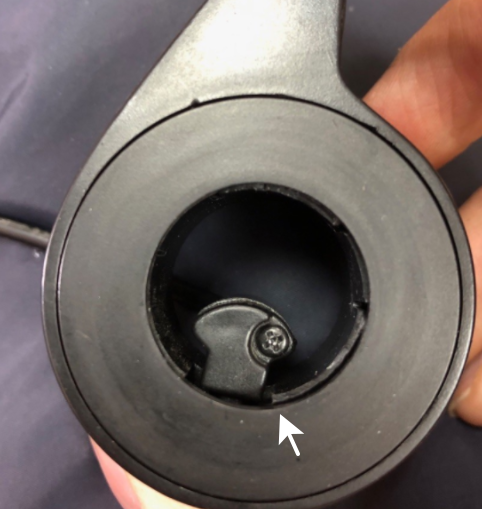
- Also the hall sensor reacts to 2 permanent magnets that are placed in the handle. One magnet registers the initial position, the other – the final position. You can disassemble the throttle to understand what is wrong.
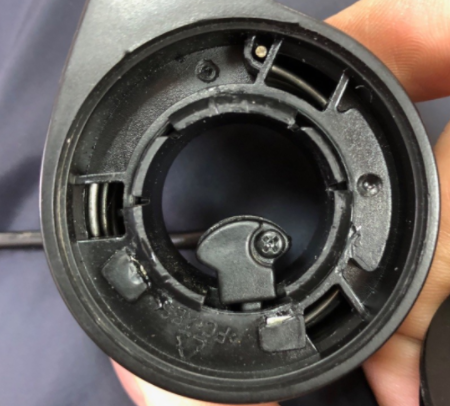
- Below is one screw that is unscrewed with a key that is included. Next, pull off the grip and peel off the plastic strip from the side of the handle. See if the magnets are in place.
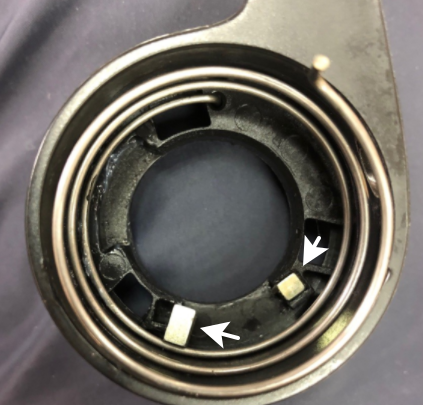
In addition, some parts of the device are not waterproof, and water may enter there. In such cases, I recommend inspecting the controller for traces of oxides on the board. If there are any, I recommend to carefully clean the board from them with a toothbrush and a degreaser.
If my guide was not helpful, you can watch this video.
-
Home
- »
-
Note
- » Коды Ошибок Самоката Xiaomi M365
Коды Ошибок Самоката Xiaomi M365
20.02.2023
0 Комментариев


Коды Ошибок Самоката Xiaomi M365 (116 фотографий)































Предыдущий & Следующий
Xiaomi M365 Pro Как Отличить Подделку
Защита Деки Xiaomi M365
Свежие записи
- Новые Xiaomi 2022 Года
- Как Привязать Новый Пульт К Телевизору Xiaomi
- Поменять Телефон Xiaomi На Новый
- Новый Чайник Xiaomi
- Самая Новая Модель Телефона Xiaomi
Свежие комментарии
Нет комментариев для просмотра.
Архивы
- Февраль 2023
Рубрики
- Note
Похожее
Note

Как Привязать Новый Пульт К Телевизору Xiaomi
Как Привязать Новый Пульт К Телевизору Xiaomi (114 фото)
22
Фев
Note
Новые Xiaomi 2022 Года
Новые Xiaomi 2022 Года (86 фотографий)
22
Фев
Note
Новый Чайник Xiaomi
Новый Чайник Xiaomi (144 фотографий)
22
Фев
Note
Поменять Телефон Xiaomi На Новый
Поменять Телефон Xiaomi На Новый (143 фотографий)
22
Фев
Note
Самая Новая Модель Телефона Xiaomi
Самая Новая Модель Телефона Xiaomi (89 фотографий)
22
Фев
Note
Режим Ожидания Xiaomi
Режим Ожидания Xiaomi (132 фотографий)
22
Фев
Note
Безопасный Режим Xiaomi Redmi
Безопасный Режим Xiaomi Redmi (146 фотографий)
22
Фев
Note
Отключается Режим Без Звука Xiaomi
Отключается Режим Без Звука Xiaomi (141 фотографий)
22
Фев
Note
Xiaomi Режим Экономии Энергии
Xiaomi Режим Экономии Энергии (147 фотографий)
22
Фев
Looking for M365 error codes?
If your Xiaomi M365 and/or M365 Pro is beeping/flashing and you’re fearing the worse, then you’ve come to the right place.
How can I tell which codes are which?
M365 and M365 Pro error codes are two digits.
1 – The first is a long signal
2 – The second is a short signal
This code error formula may vary depending on the firmware of future updates.
The M365 Pro also displays the error on the dashboard.
To save you a load of time (and to stop you hunting around for Xiaomi M365 and Xiaomi M365 Pro error codes), we’ve compiled a list of useful error codes:
CODE – MALFUNCTION AND SOLUTION (MALFUNCTIONING PART(S)
10 – Bluetooth (BLE) module communication error (Bluetooth module)
11 – Current sensors calibration errors or Power MOSFET error
12 – Current sensors calibration error
13 – Current sensors calibration errors or Power MOSFET error
14 – Throttle and brake errors
15 – Throttle and brake errors
16 – Undefined
17 – Undefined
18 – Motor Hall sensors error
19 – Undefined
20 – Undefined
21 – BMS communication error
22 – Bad BMS serial number/password
23 – Bad BMS serial number/abnormal error
24 – Wrong supply voltage
25 – Undefined
26 – Check the controller (Save operation in the Flash memory maybe wrong)
27 – Bad controller password
28 – MOSFET error
29 – ESC has wrong serial number in memory or “not activated”
28 – MOSFET error
29 – MOSFET is abnormal
30 – Undefined
31 – Program error
32 – Undefined
33 – Undefined
34 – Undefined
35 – Serial number of the scooter is wrong
36 – Battery temperature sensor error or device is overheating
37 – Undefined
38 – Undefined
39 – Scooter temperature is abnormal
40 – Main controller temperature sensor error or overheating
EXTRA SAFETY:
Always use both electric brake and foot brake for emergency stopping. Otherwise you risk falls and/or collisions from not achieving the max. braking capability.
Do not connect the charger if the charge port or charge cable is wet.
Do not wash your KickScooter with alcohol, gasoline, acetone, or other corrosive/volatile solvents. These substances may damage the appearance and internal structure of your KickScooter. Do not wash your KickScooter with a power washer or hose.
Original lists compiled by @CamiAlfa and MiMod